
Crypto exchange
KeyTrust
How buyers know when an exchange is complete
A service for buying, selling and exchanging crypto assets across networks.
Explore the solution01 / Challenge
An exchange across networks
Before paying, buyers need to check how much they will receive and which wallet it will go to. Once they pay, the question changes: have the funds been sent, or is the exchange still in progress?
Studio role
We designed the quote, confirmation and order-status screens. We also built a separate console for operators and wrote the smart contracts for transactions on Sui.
Project scope
- Buying and selling
- Cross-chain exchange
- Destination wallet
- Operator console
02 / Decisions
Confirm the amount, then track the exchange
Confirming an amount and completing an exchange are not the same event. Separate confirmation, processing and completion screens make it clear what still needs to happen.
How a purchase works
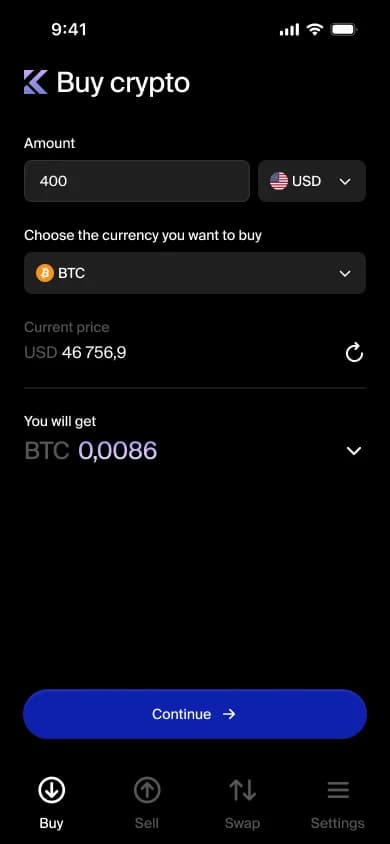
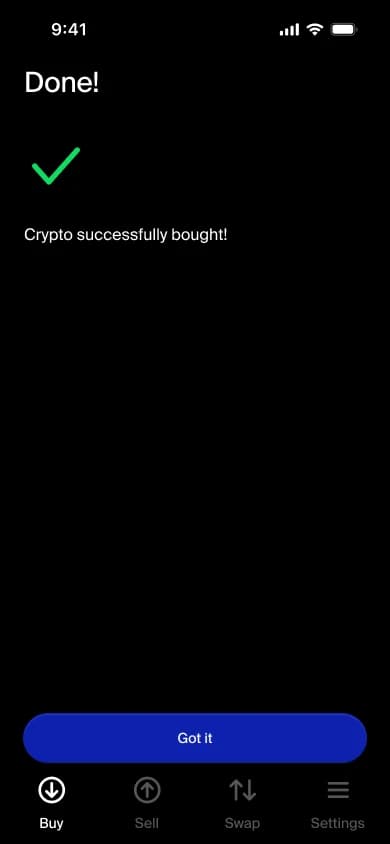
Amount
Choose an asset and see the estimated amount before continuing.
Product screens
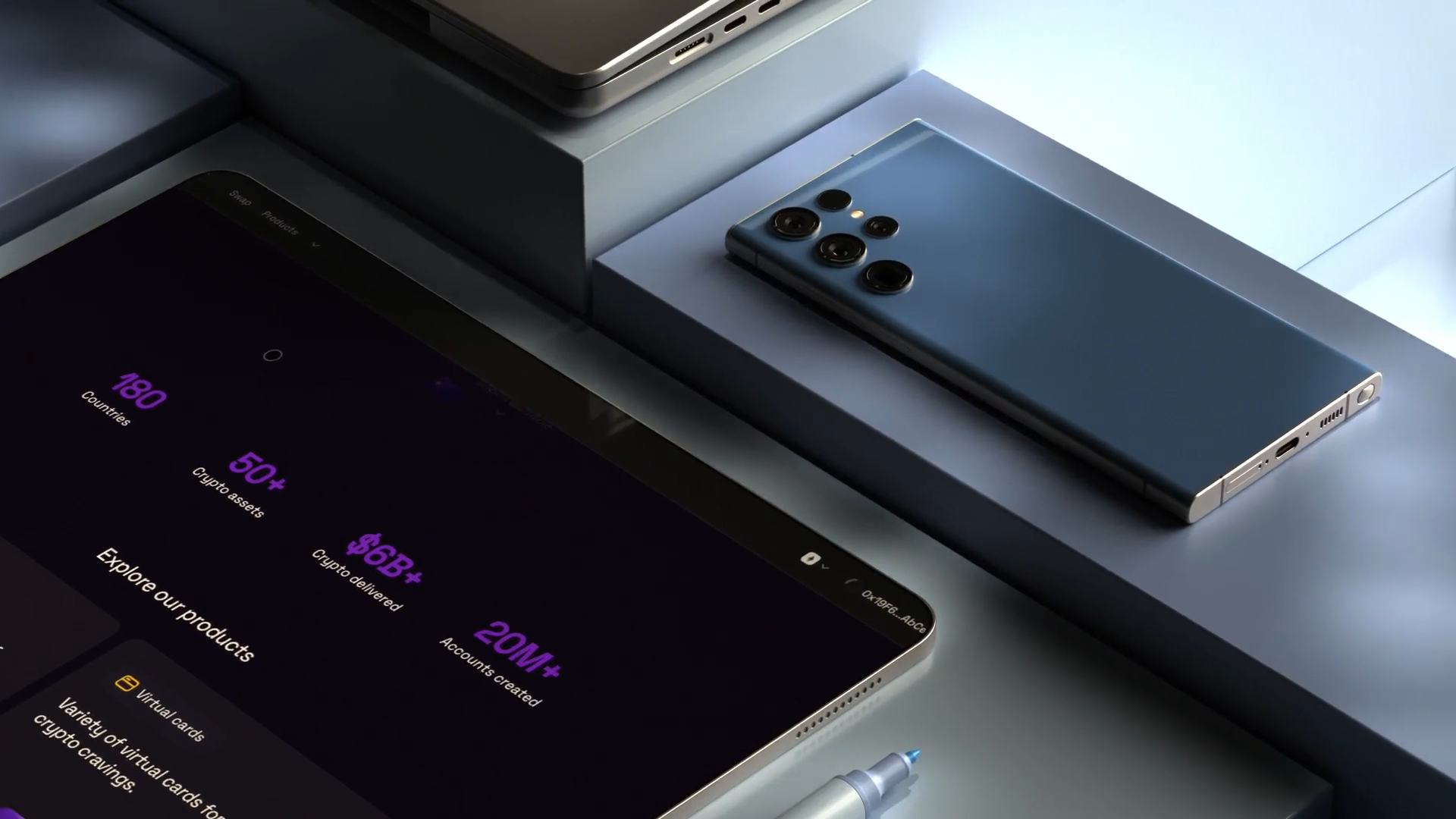
Presenting a digital service
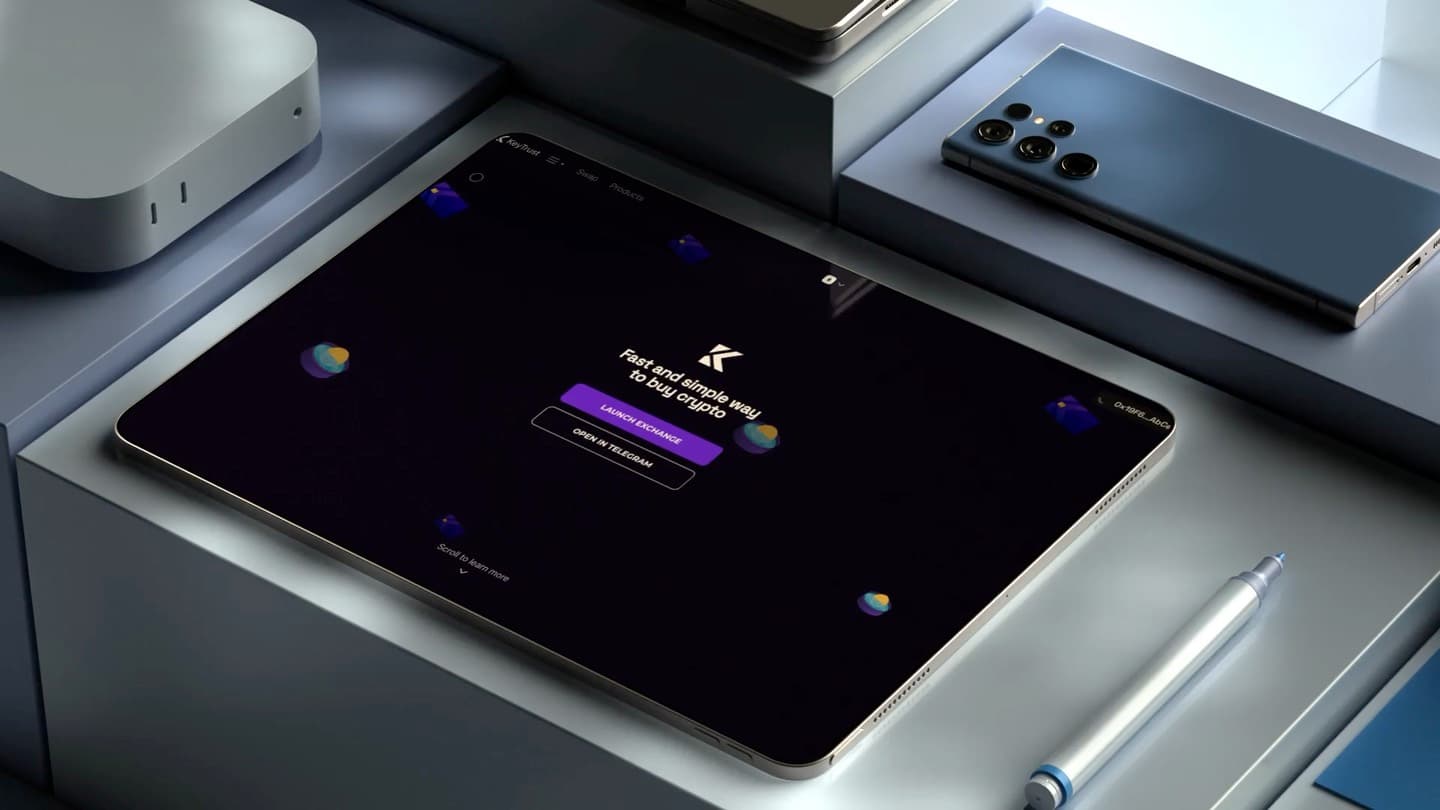
This mockup shows how the exchange is presented to customers. The transaction screens show the purchase itself, from the initial quote to confirmation of the transfer.
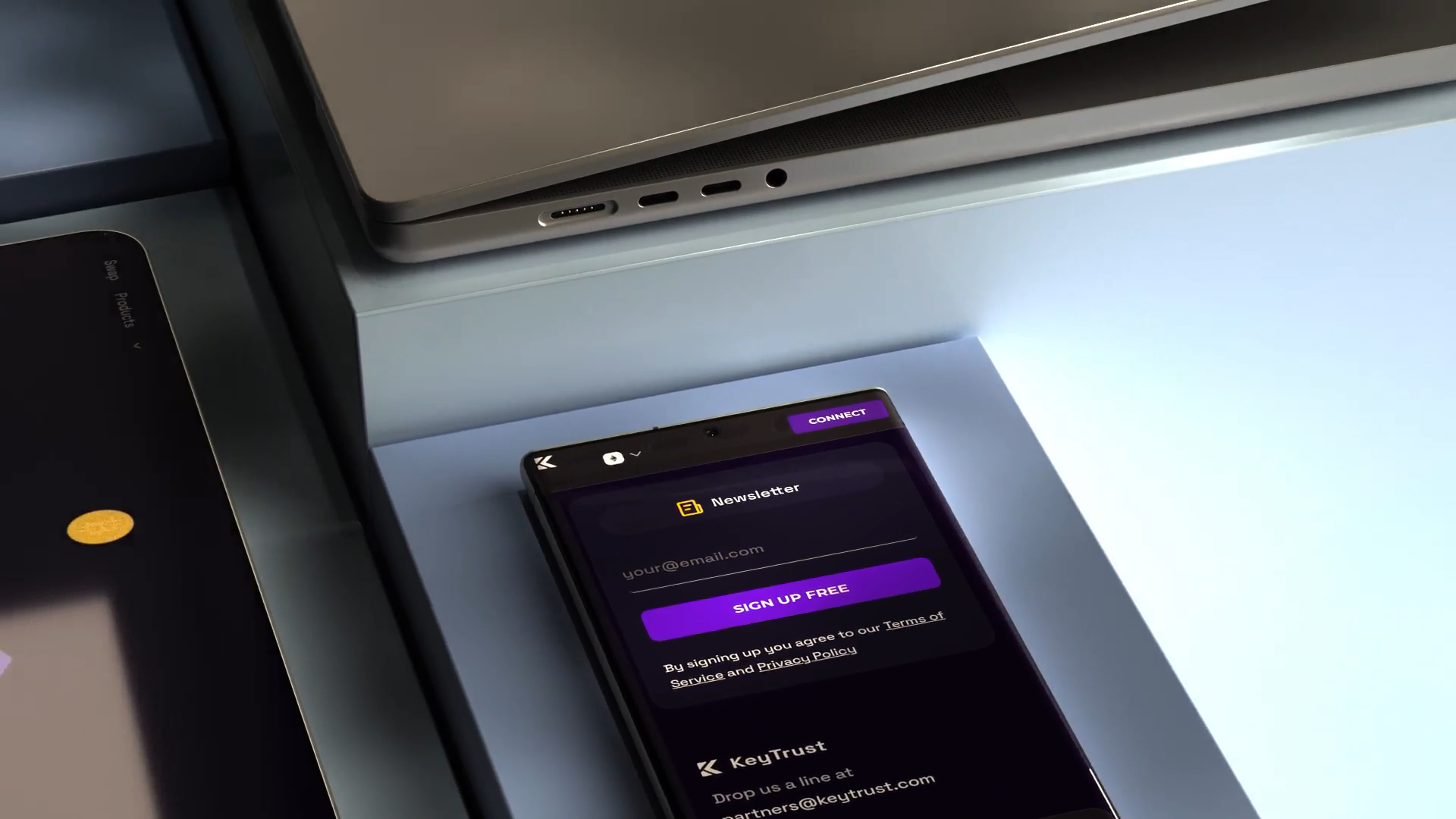
The same system on a smaller screen
Navigation, connection and forms retain a shared visual language across devices. A compact layout preserves the interface logic.
Why we designed it this way
Separate the quote from the payment
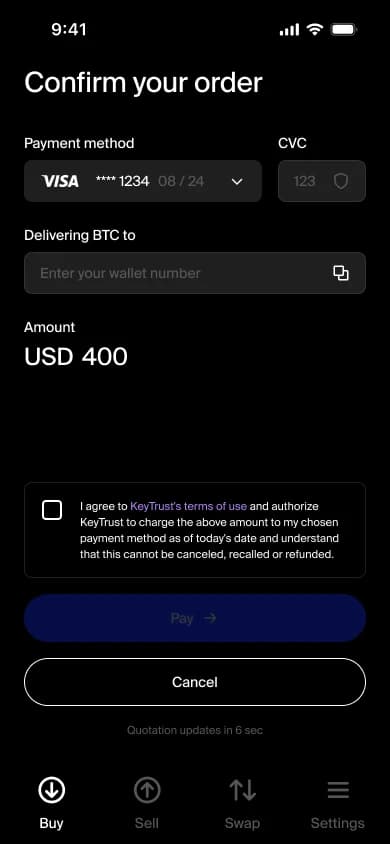
The amount screen answers what the buyer will receive. The confirmation screen then groups the payment method, destination wallet and final amount so the buyer can check them together.
Show what happens after payment
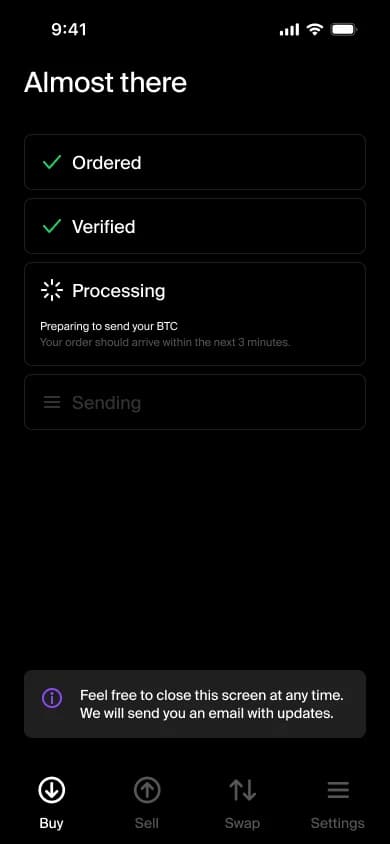
The interface distinguishes an order placed, verification, processing and sending. The frontend presents those as separate states instead of treating payment submission as a completed purchase.
Separate customer and operator tasks
The customer-facing app focuses on the trade and its status. We built a separate admin panel for operators and implemented smart contracts on Sui for the on-chain part of the product.
Workflow study
Between confirmation and completion
Payment method, destination wallet and total belong together before confirmation. Splitting them across screens would make the user rely on memory.
The KeyTrust visual identity
Build around diagonal strokes and negative space. Use purple gradients and geometric compositions to extend the monogram into a broader identity.
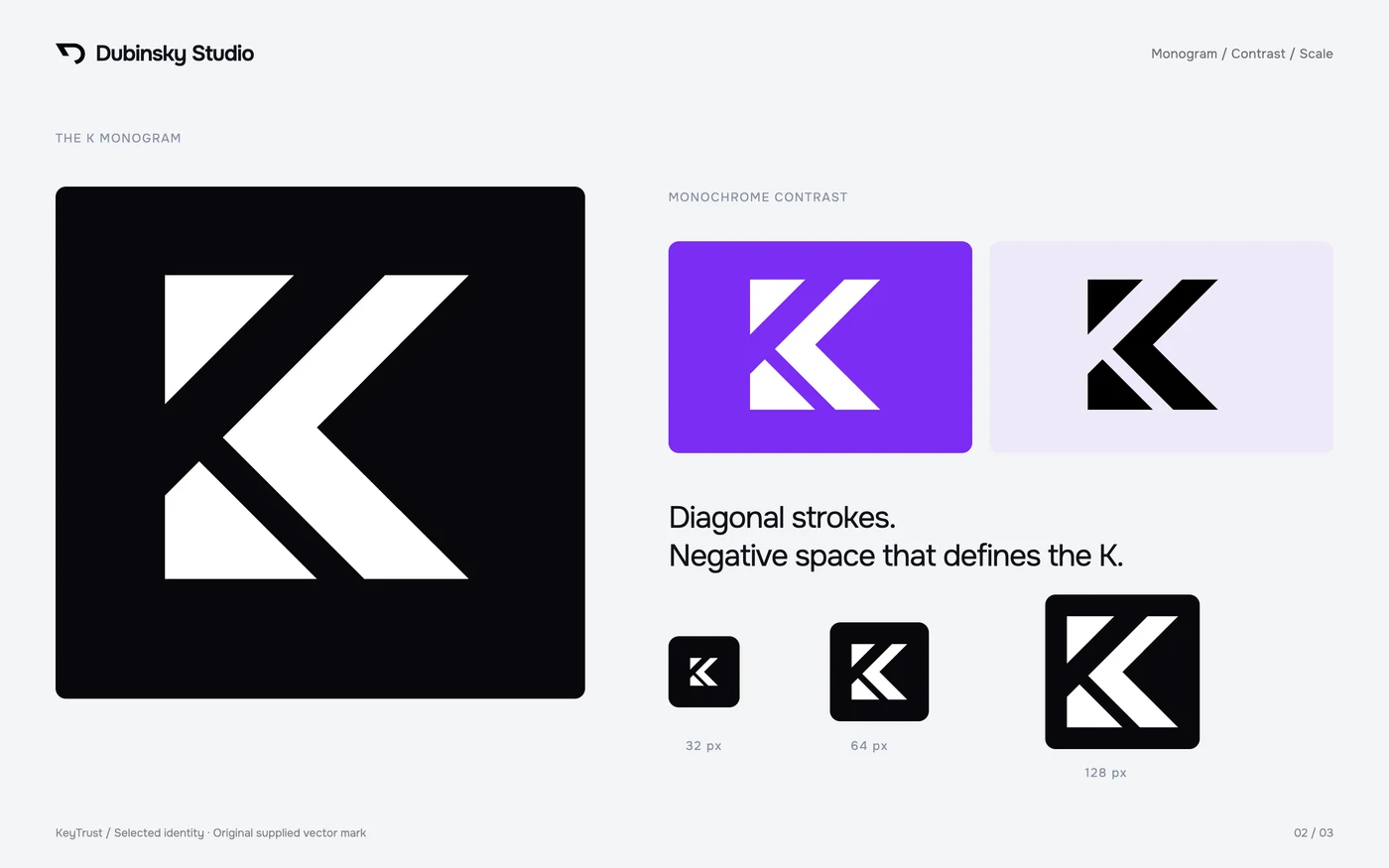
Monogram and scale
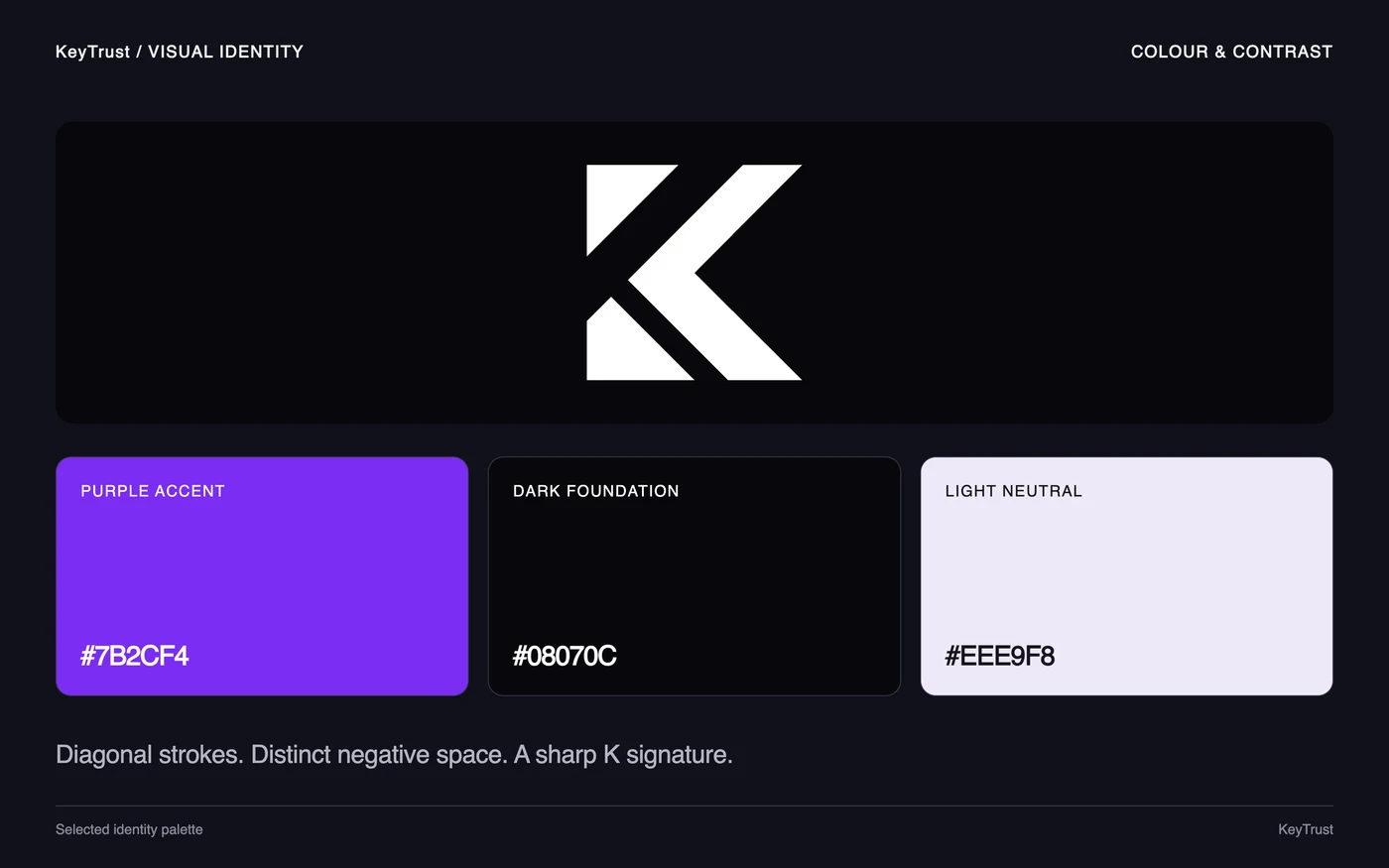
Colour and contrast
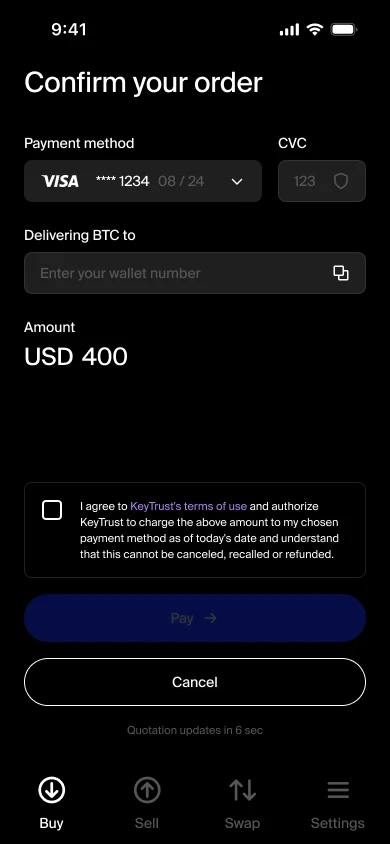
Accent colour in the purchase flow
The brand accent identifies the primary action on the dark confirmation screen.
Digital and physical applications
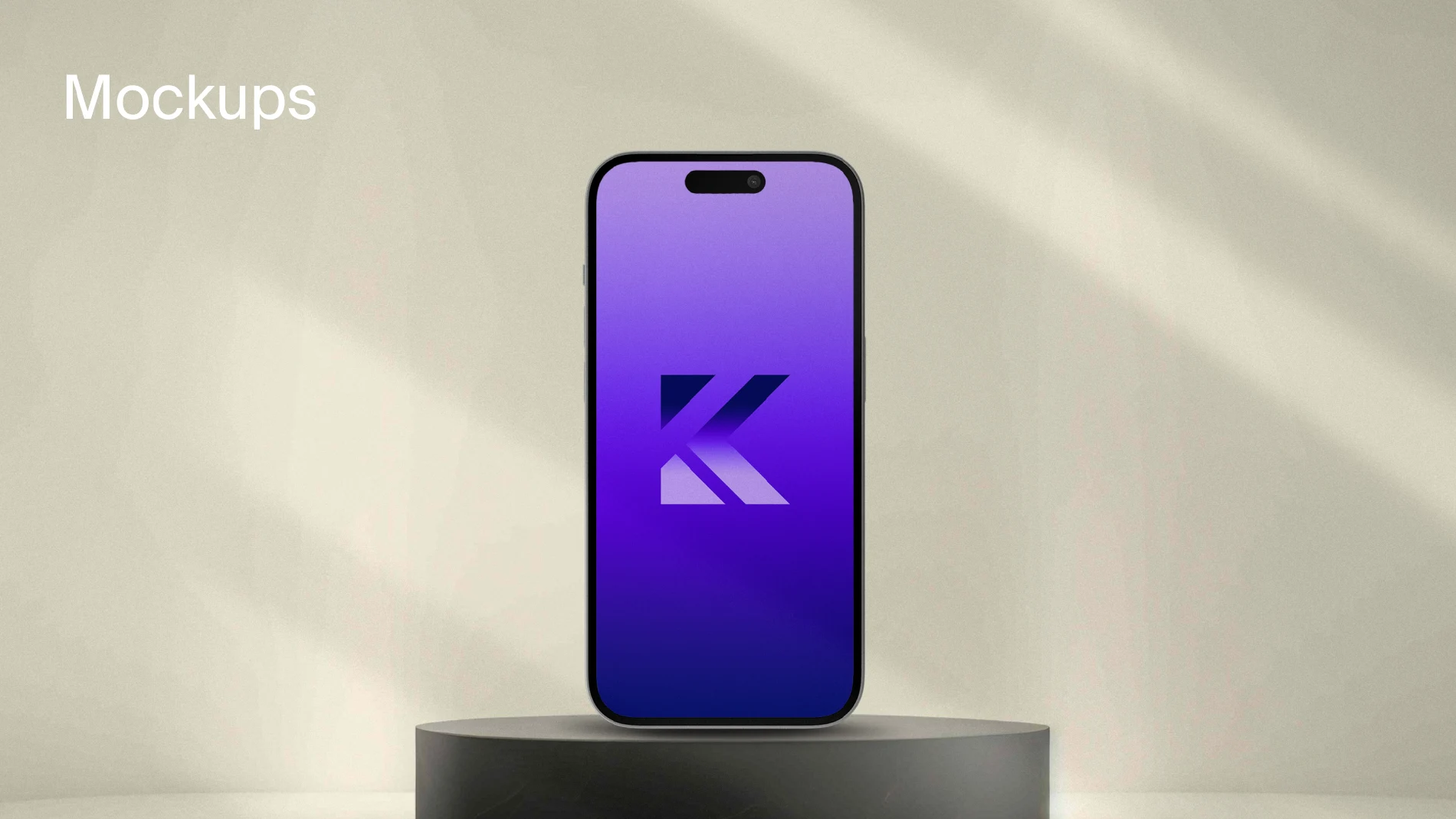
KeyTrust monogram on a phone screen
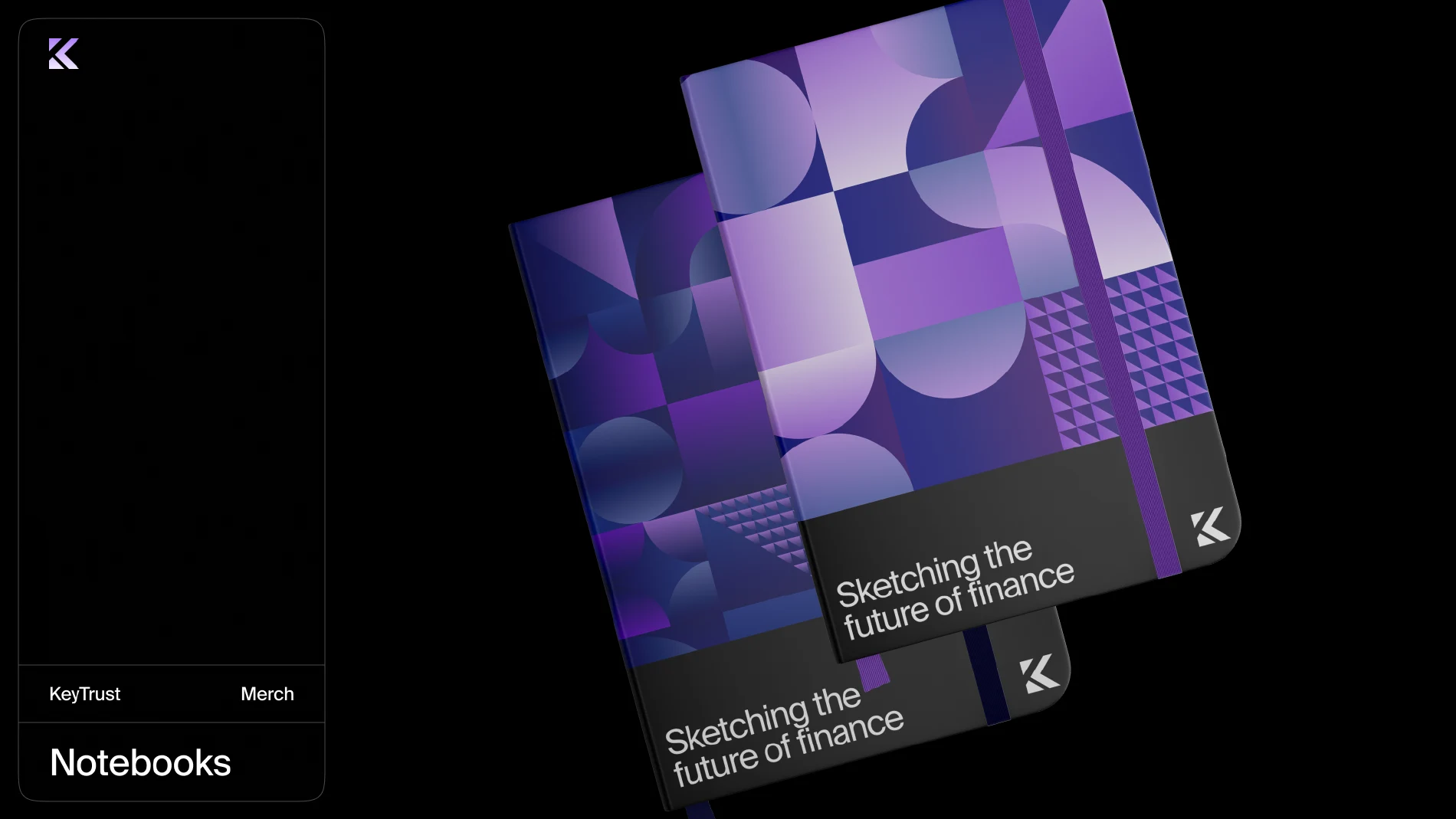
Pattern on notebooks
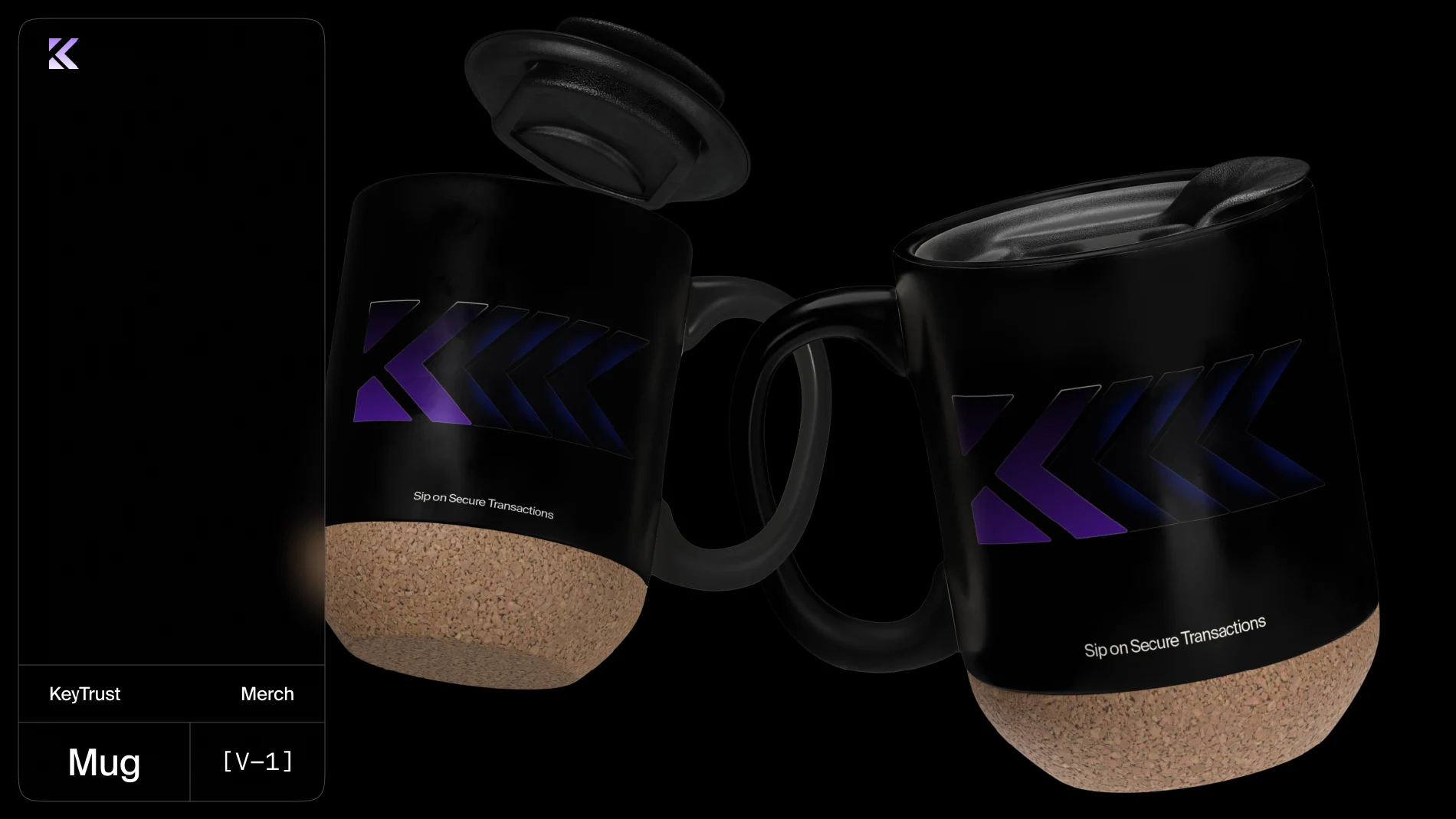
Monogram on drinkware
04 / Outcome
A visible status at each step
Buyers can check the amount and wallet address before paying, then see whether the order is being verified, processed or has been completed.
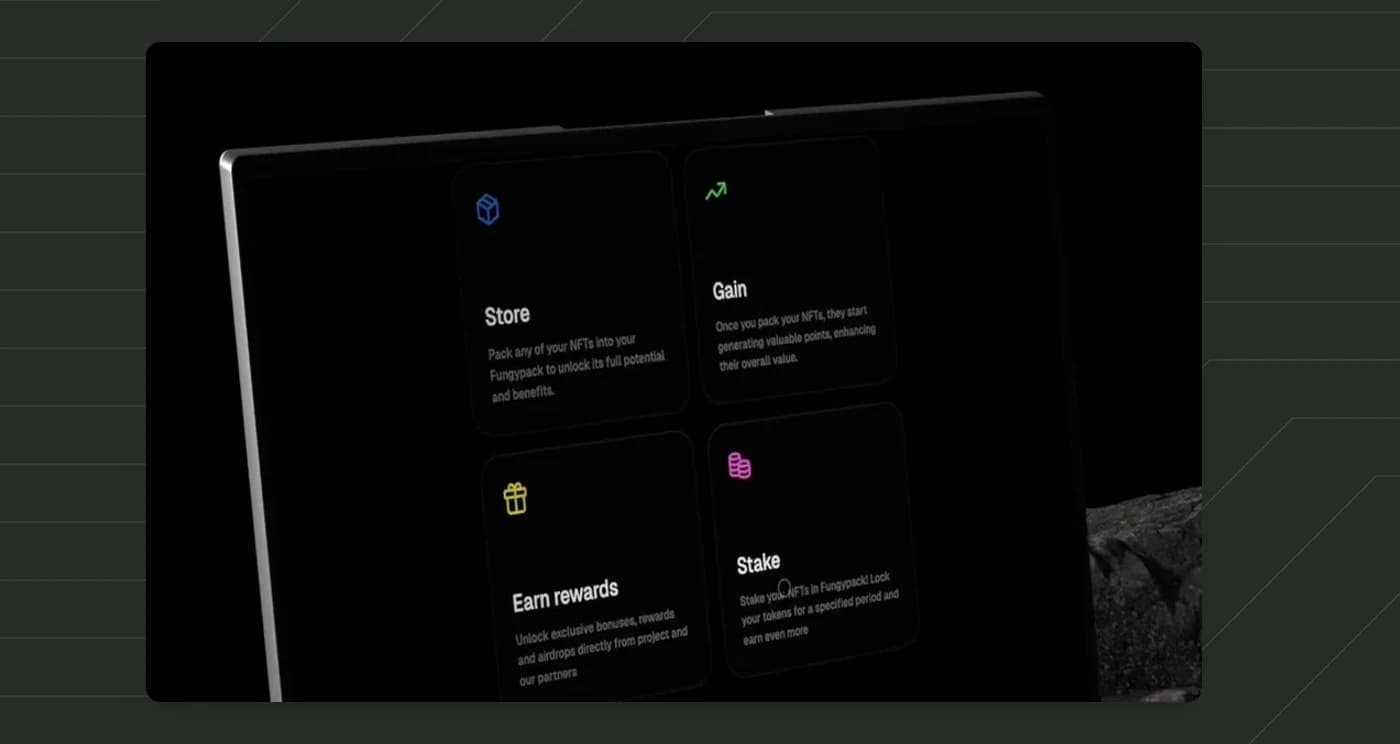
Buyers can see the benefits and terms of ownership before purchasing an NFT.