
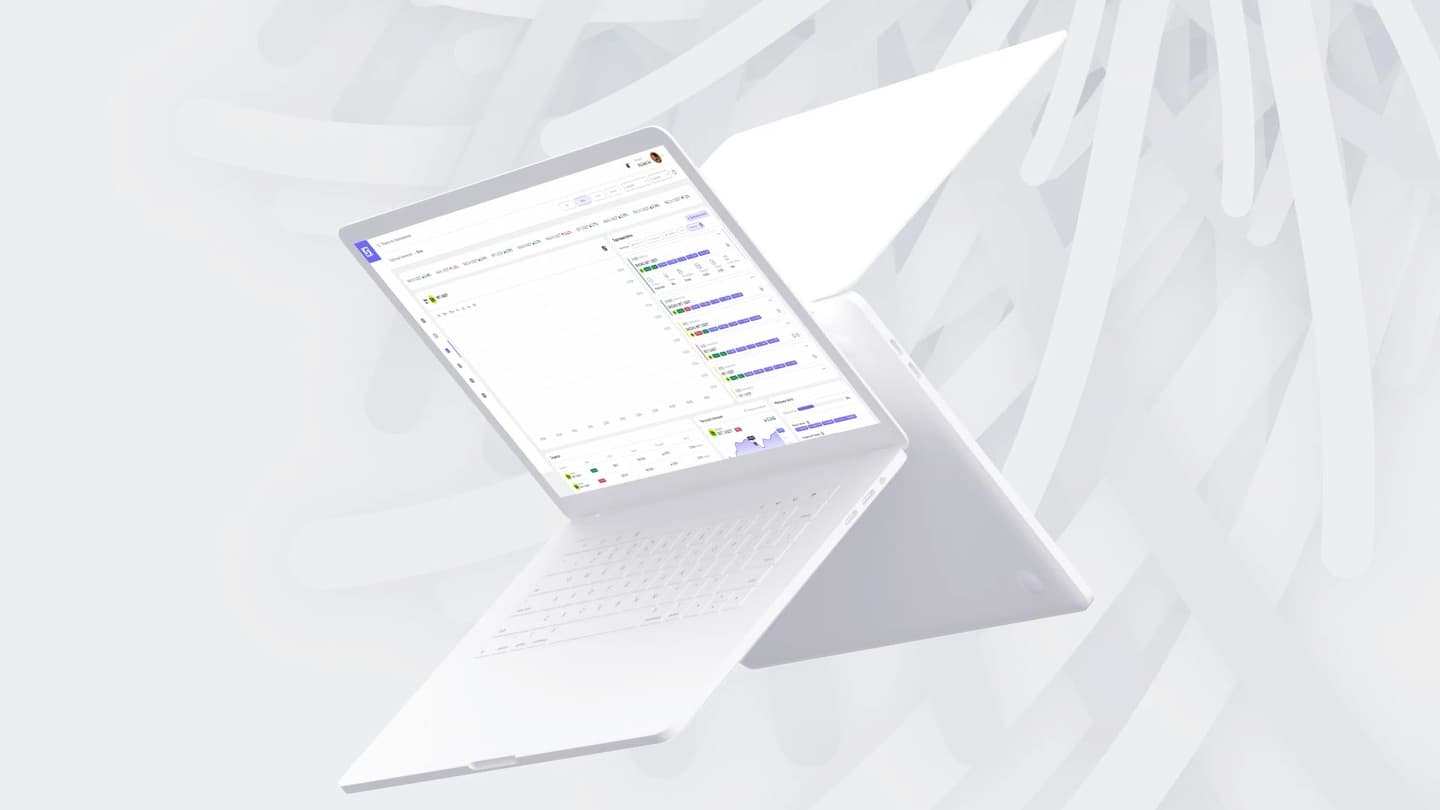
Trading interface
NovaBot
Which bots are trading, and which need attention?
A terminal for traders running several trading bots.
Explore the solution01 / Challenge
See which bot needs attention and why
When a bot stops trading, the trader needs to distinguish an intentional pause from a lost exchange connection. Changing the strategy before checking the connection would address the wrong problem.
A private product. Only materials available for publication are shown here.
Studio role
We separated account review from bot management. In the terminal, settings sit beside the chart and an API warning leads to a connection check. We integrated exchange APIs, Helius and Raydium.
Project scope
- Market chart
- Strategy settings
- Bot status
- Account overview
02 / Decisions
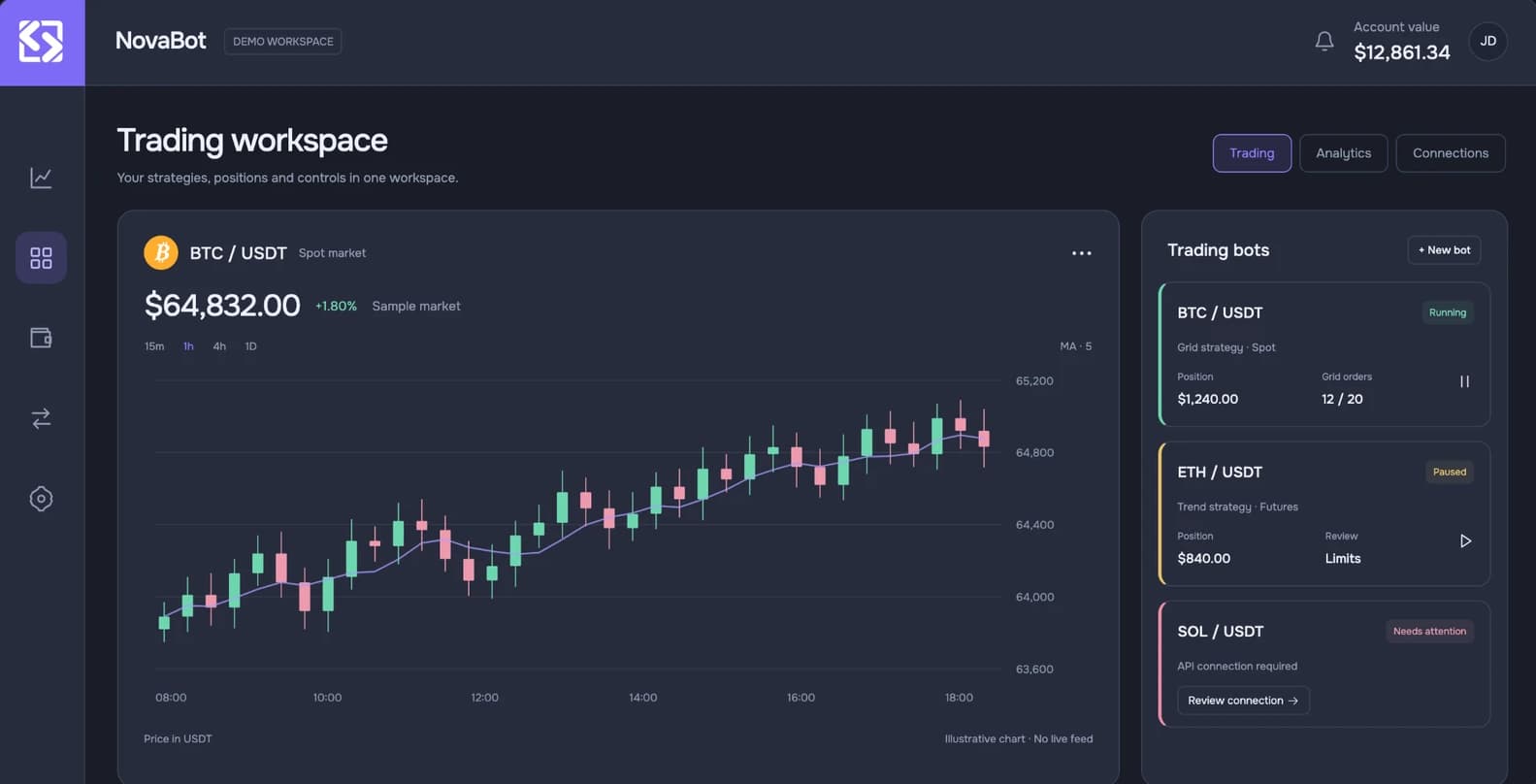
The market chart and bot status side by side
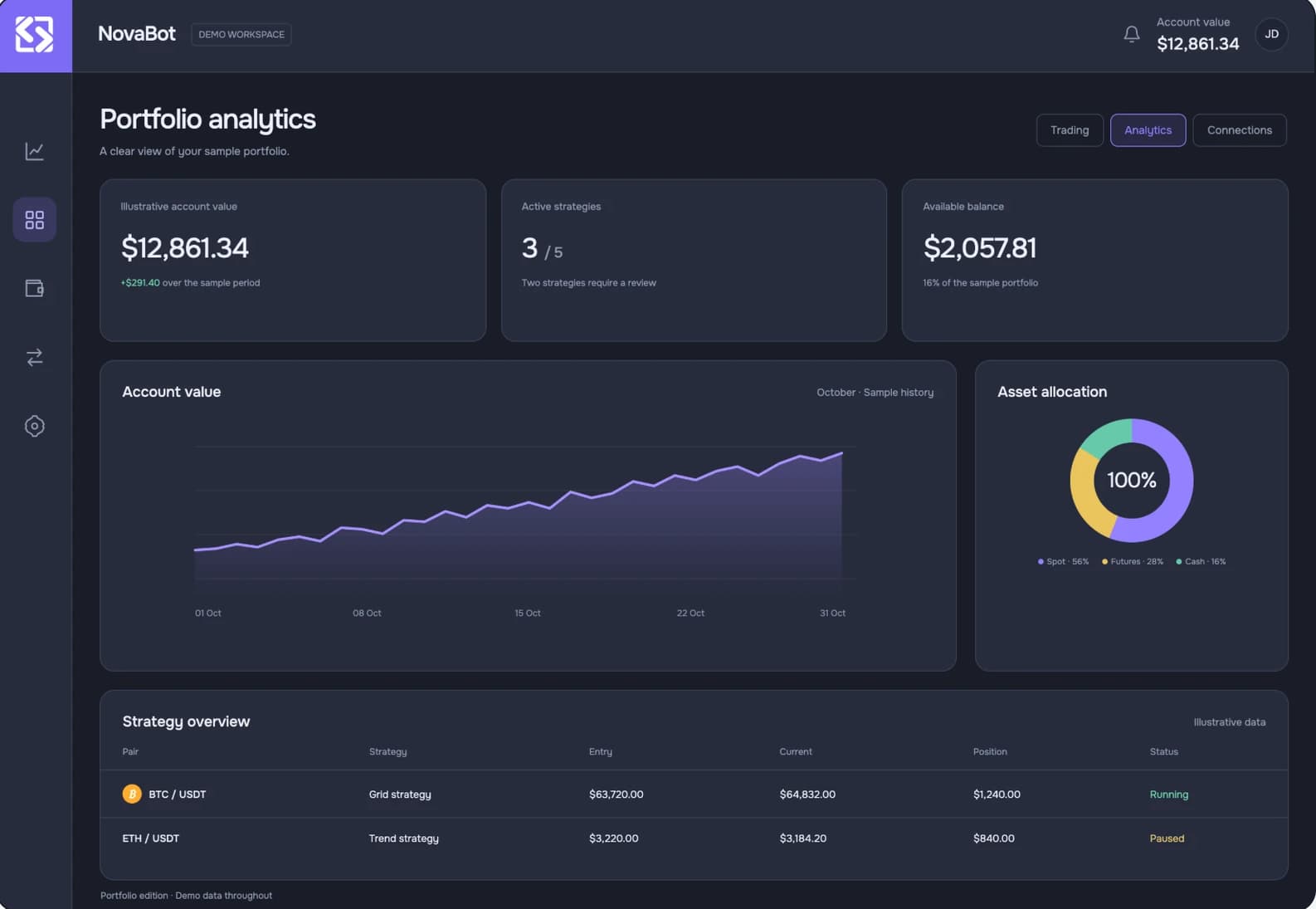
The account overview answers how the portfolio is doing; the terminal answers what needs attention now. Separating those views keeps the market chart readable while the bot list stays in reach.
From market view to bot settings
English portfolio edition with demo data.
Review the account
Balance, allocation and strategy summaries provide an overview before the trader moves into the terminal.
Product screens
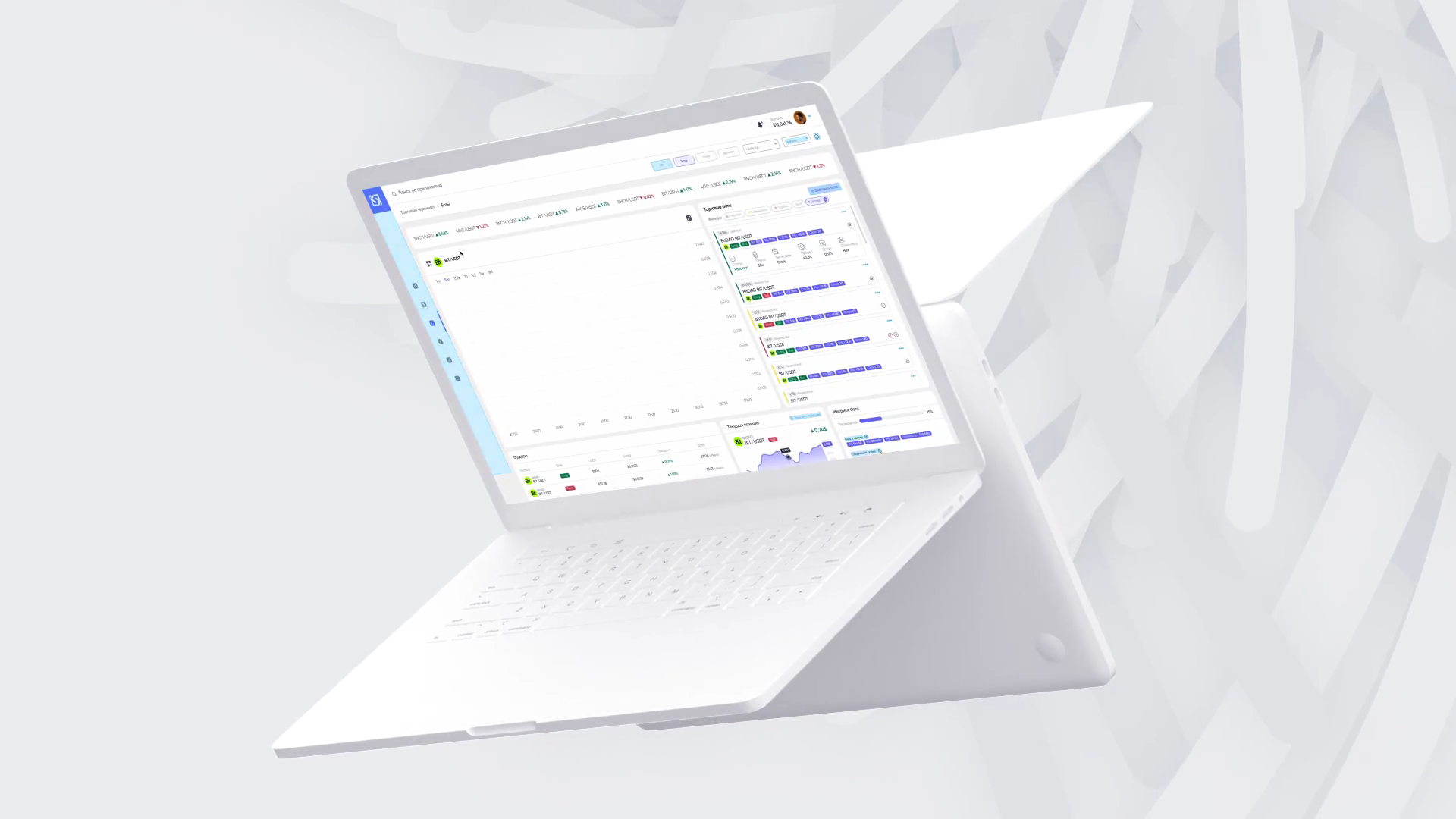
One screen. Several layers of information.
The chart anchors the workspace. Bots and parameters sit on the right; orders and indicators sit below. The layout separates market analysis from strategy management.
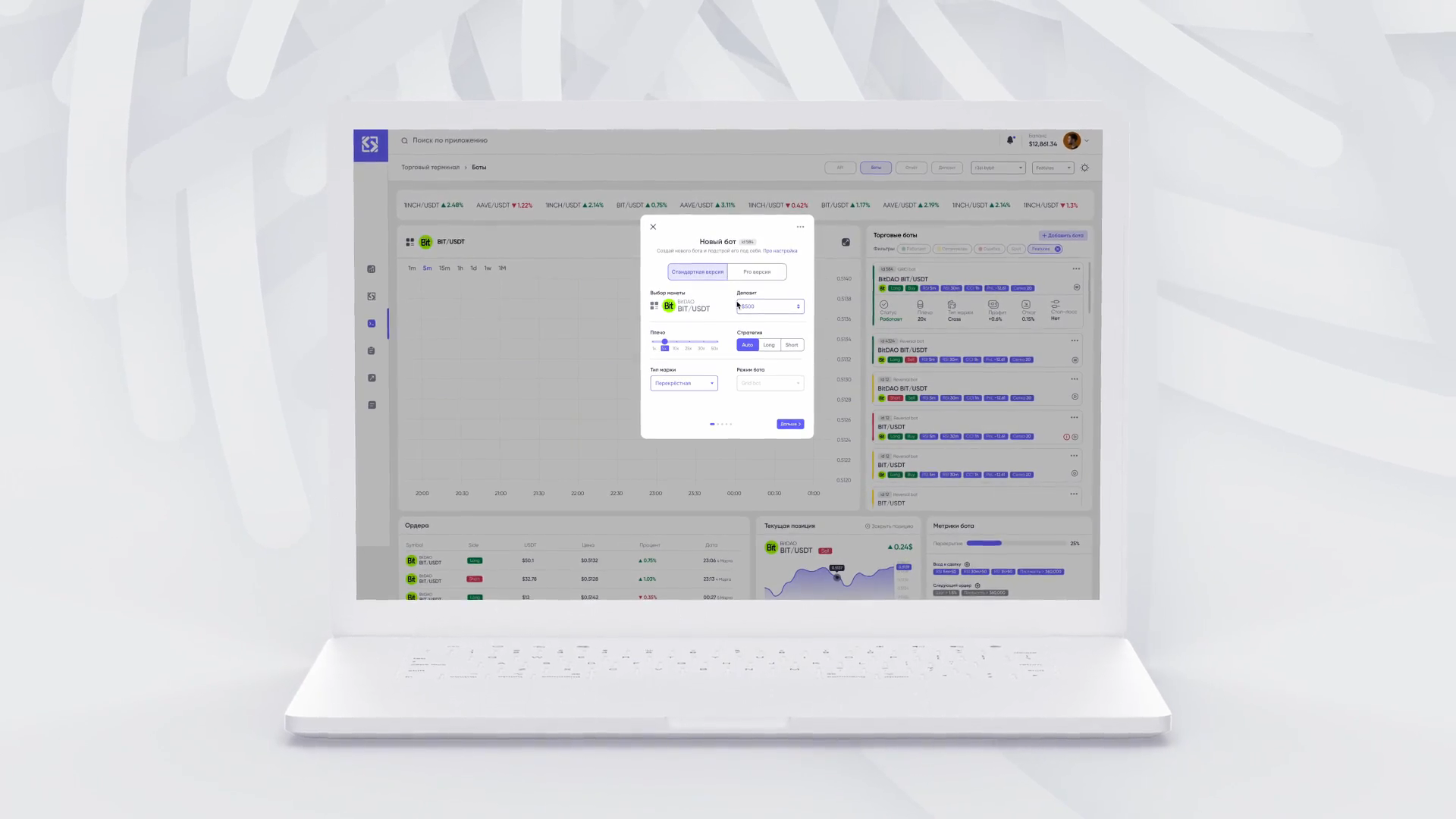
Configure a bot without losing context
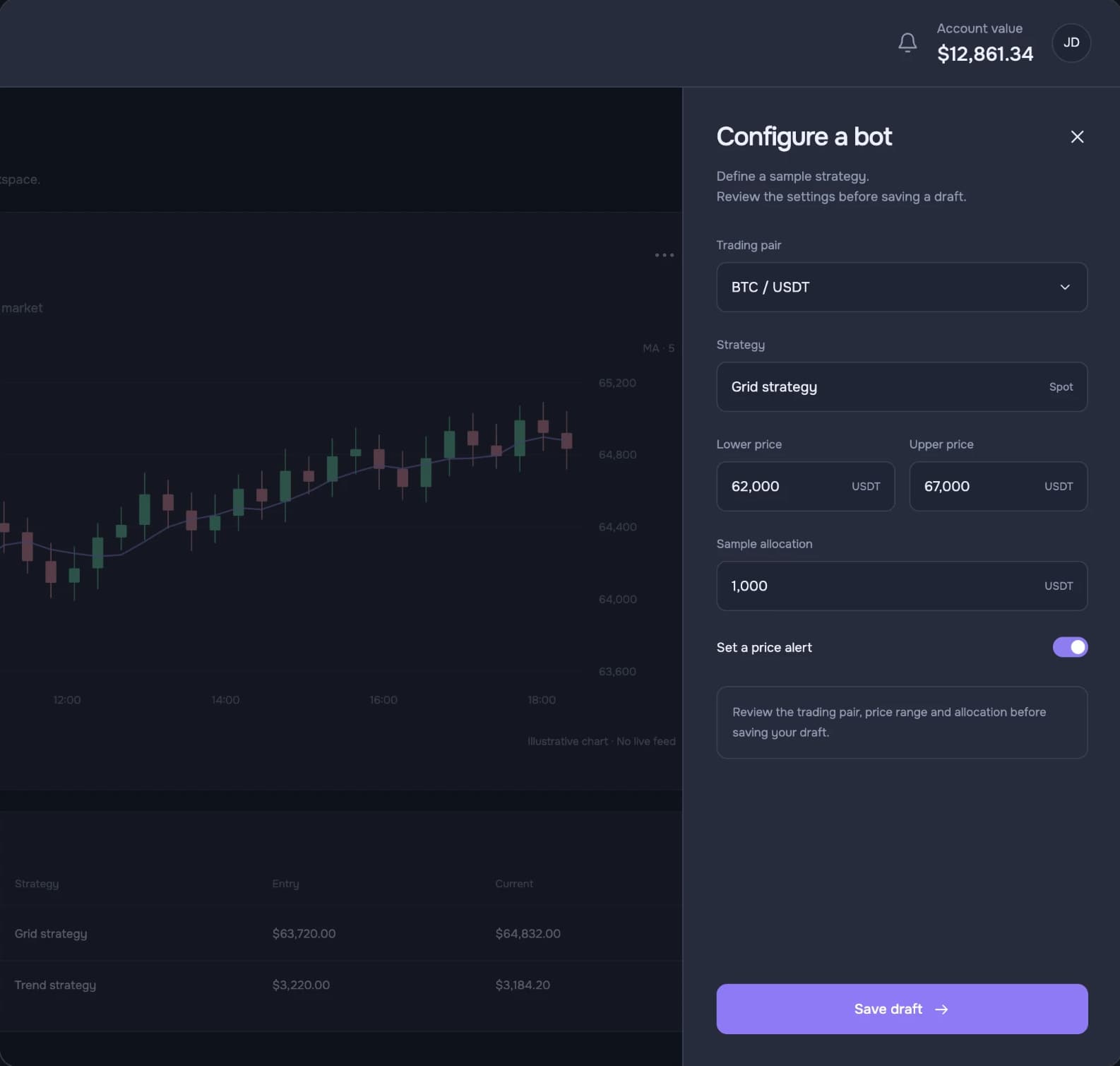
The new-bot form opens over the workspace. Trading pair, direction and strategy parameters share one dialog while the main view remains visible.
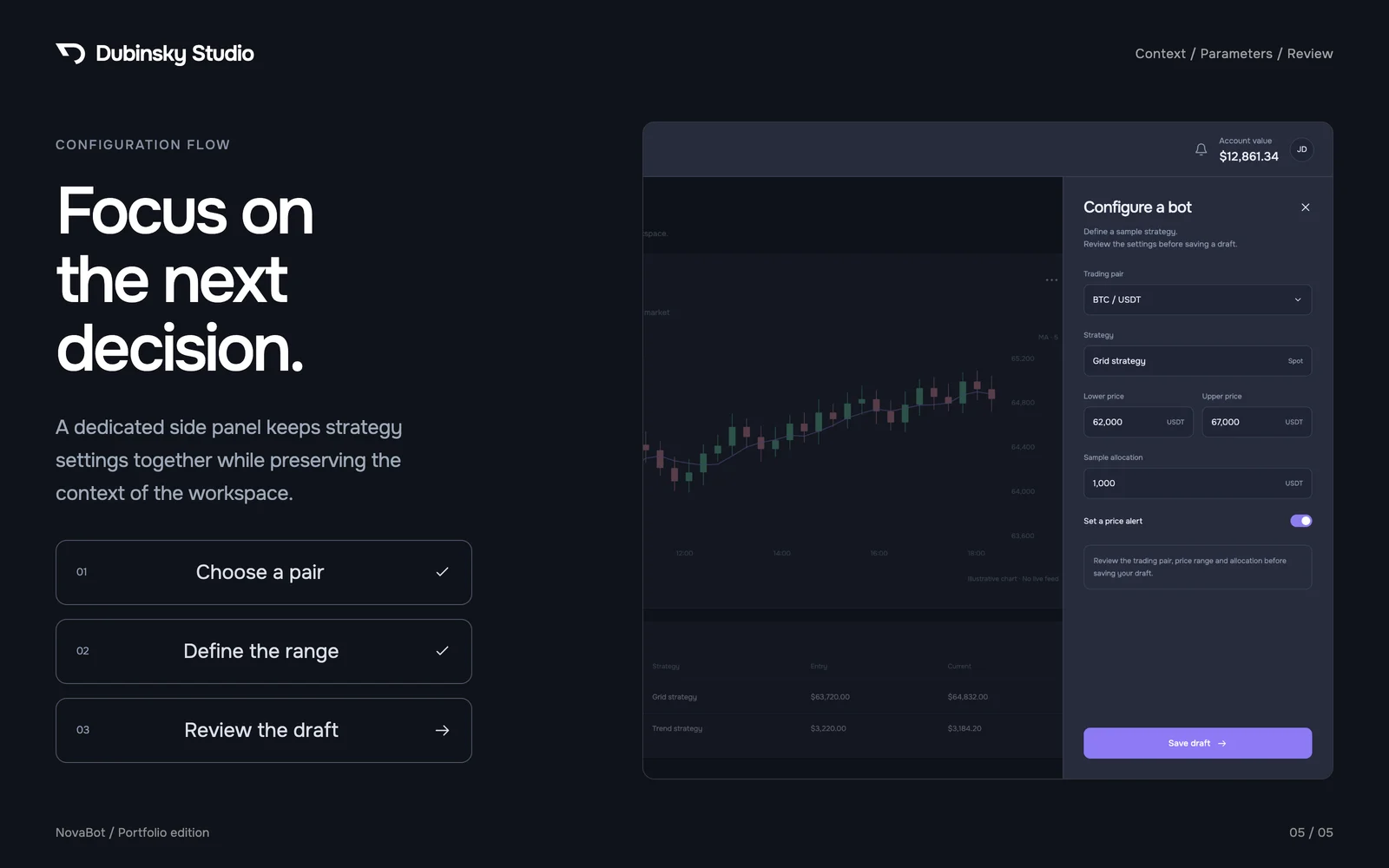
From a trading pair to a strategy draft
The English portfolio edition shows the strategy parameters beside the chart in a dedicated panel.
Why we designed it this way
Give a connection issue its own action
The terminal distinguishes a paused bot from one that needs attention. In the demo, the SOL bot shows an API connection warning and a Review connection action. The trader can tell what to check before changing any strategy settings.
Connect separate market infrastructures
Exchange APIs and on-chain providers serve different workflows. The terminal brings them together while keeping strategy configuration and order monitoring distinct.
Workflow study
From market movement to a bot setting
At account level, balance, allocation and strategies describe the portfolio. Individual bot settings would distract from that overview.
03 / Outcome
One terminal for analysis and bot management
Traders can review the account, distinguish a connection issue from a normal pause, and configure a bot beside the chart.
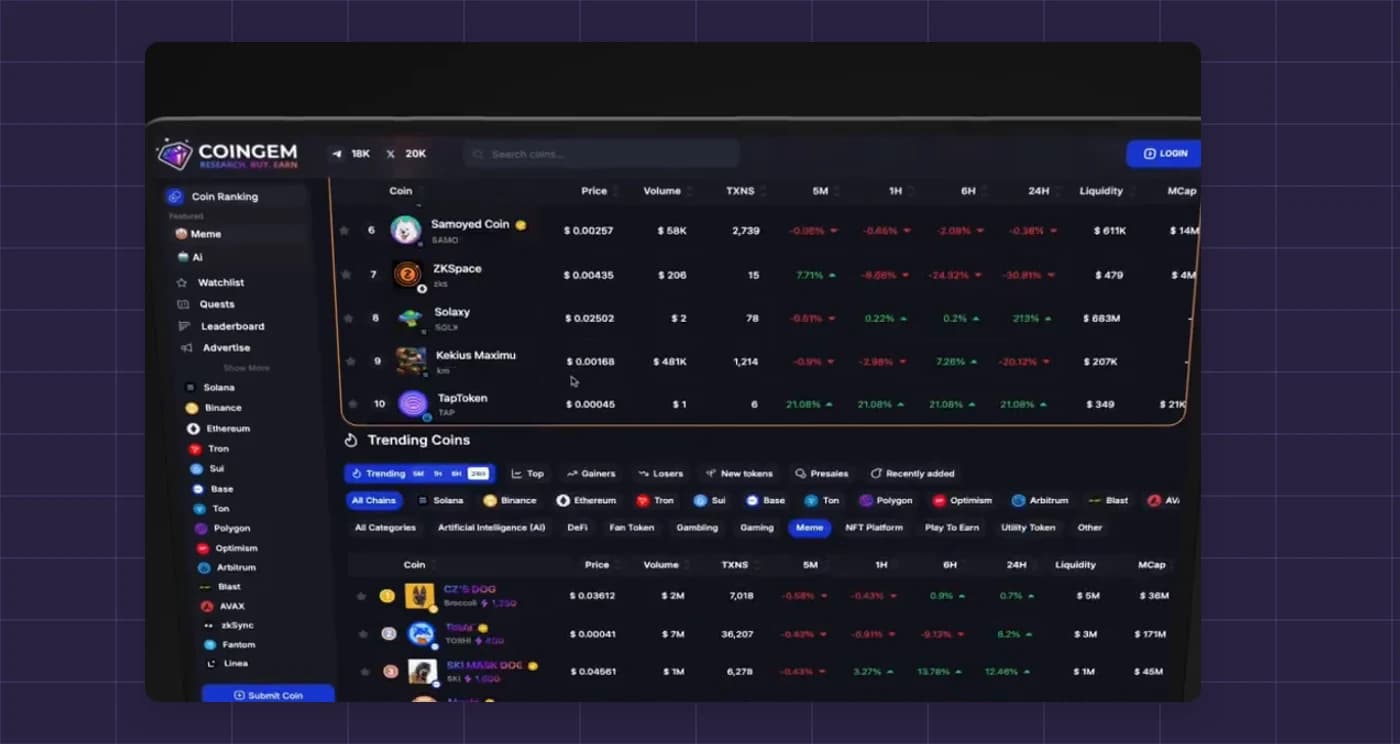
One table lets users compare tokens by price, volume and liquidity.